Why (and how) to manage your wealth 100% privately in 2026: The Local-First guide
In 2026, personal finance has reached a turning point. Between automated tracking tools and rising cyber threats, every saver faces one question: who holds your complete financial history?
Most modern apps require you to sync bank accounts and portfolios to their cloud servers. For privacy-conscious savers, that centralization is an unacceptable risk. A clear alternative is gaining ground: the Local-First movement.
This guide explains why and how to take back control of your wealth privately, autonomously, and effectively.
I. What is Local-First personal finance?
The Local-First principle is simple: your wealth is yours — and so is your data.
Traditional apps aggregate accounts (savings, brokerage, checking, property, and more) through third parties and store everything on external servers. A breach can expose your net worth, saving habits, and banking details.
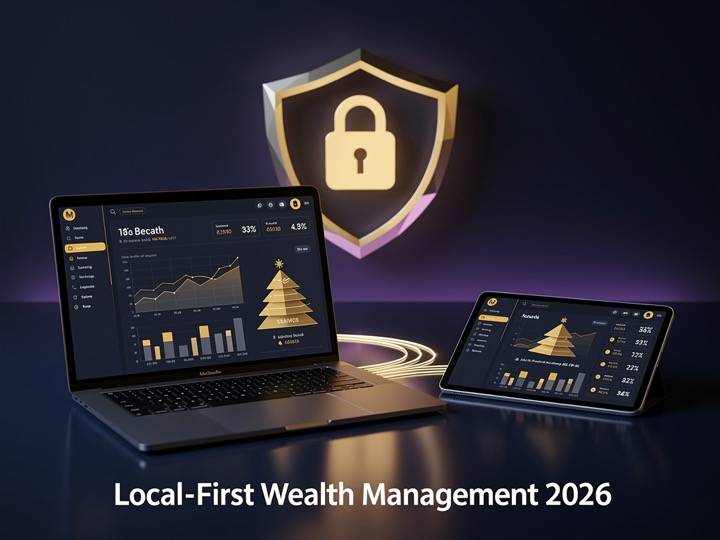
A Local-First tool keeps financial data exclusively on hardware you own (Mac, iPad).
Three Local-First principles
- No mandatory cloud — data stays on your device.
- Backup sovereignty — you choose when and where to export encrypted backups.
- No data resale — the developer has no access to your balances. No targeted ads, no investor profiling.
II. OneLedger 2.0
If you want a Local-First wealth planner for Apple devices, OneLedger is a strong option.
Version 2.0 brings a redesigned interface (light and dark themes, clearer charts). OneLedger evokes the accountant’s ledger and long-term wealth planning.
Built for iPhone, iPad and Mac, OneLedger is not a monthly budget app — it is a medium- and long-term wealth planner (10–20 years).
III. Key features for secure wealth planning
1. 10–20 year projections adjusted for inflation
OneLedger factors inflation into projections so you see realistic purchasing power in 10, 15, or 20 years. The dashboard compares your model with actual amounts entered each year.
2. Savings structure with pockets
- Everyday — immediate spending buffer.
- Emergency — 3–6 months of expenses.
- Goals — projects and growth.
- Satellite — alternative holdings.
A pyramid infographic shows whether your reserves meet safety targets.
3. Loan and scenario simulators
Buying property or refinancing? Enter rate, down payment, and term to see monthly payments, cash-flow impact, and yearly amortization.
4. Stock portfolios under your control
With an optional Alpha Vantage API key, track stocks and ETFs without hosting your portfolio on a proprietary server.
IV. Switch to private wealth management in five minutes
- List centralized services that hold your data and export what you can (CSV when available).
- Download OneLedger from the App Store.
- Explore with the optional sample patrimony on first launch.
- Enter accounts, portfolios, and scenarios.
- Enable encrypted quick backup in Settings.
Conclusion
Planning investments should not cost you your privacy. With its local-first design, long-term focus, and version 2.0 tools, OneLedger shows that powerful software can stay on your device.
⚠️ Financial disclaimer ⚠️
Please note that this blog article is for informational and educational purposes only. It does not constitute financial advice, a financial recommendation, or a solicitation to subscribe to any financial products. The information presented here is based on general principles and does not take into account your personal situation, your risk tolerance, or your specific financial goals. Financial markets are subject to fluctuations and risks. Before making any investment decision, please consult a certified financial advisor.