OneLedger
Long-term wealth & goals — Mac and iPad
Bring together accounts, portfolios, property, and loans to project and track your patrimony over the long term. Your data stays on your device.

From Eicheesel to OneLedger
OneLedger is the new name and interface for the app previously known as Eicheesel X (and Eicheesel on this site). Version 2.0 introduces a clearer brand, light and dark themes, and richer wealth planning tools.
- On your Mac or iPad home screen, the app now appears as OneLedger.
- On the App Store, the app is listed as OneLedger (description mentions formerly Eicheesel X). Same app, updates, and saved data.
- Existing backups and purchases continue to work. Import your backup from Settings if you reinstall on a new device.
The squirrel name “Eicheesel” (Lorraine Franconian for squirrel) reflected saving for the future — that spirit continues under OneLedger.
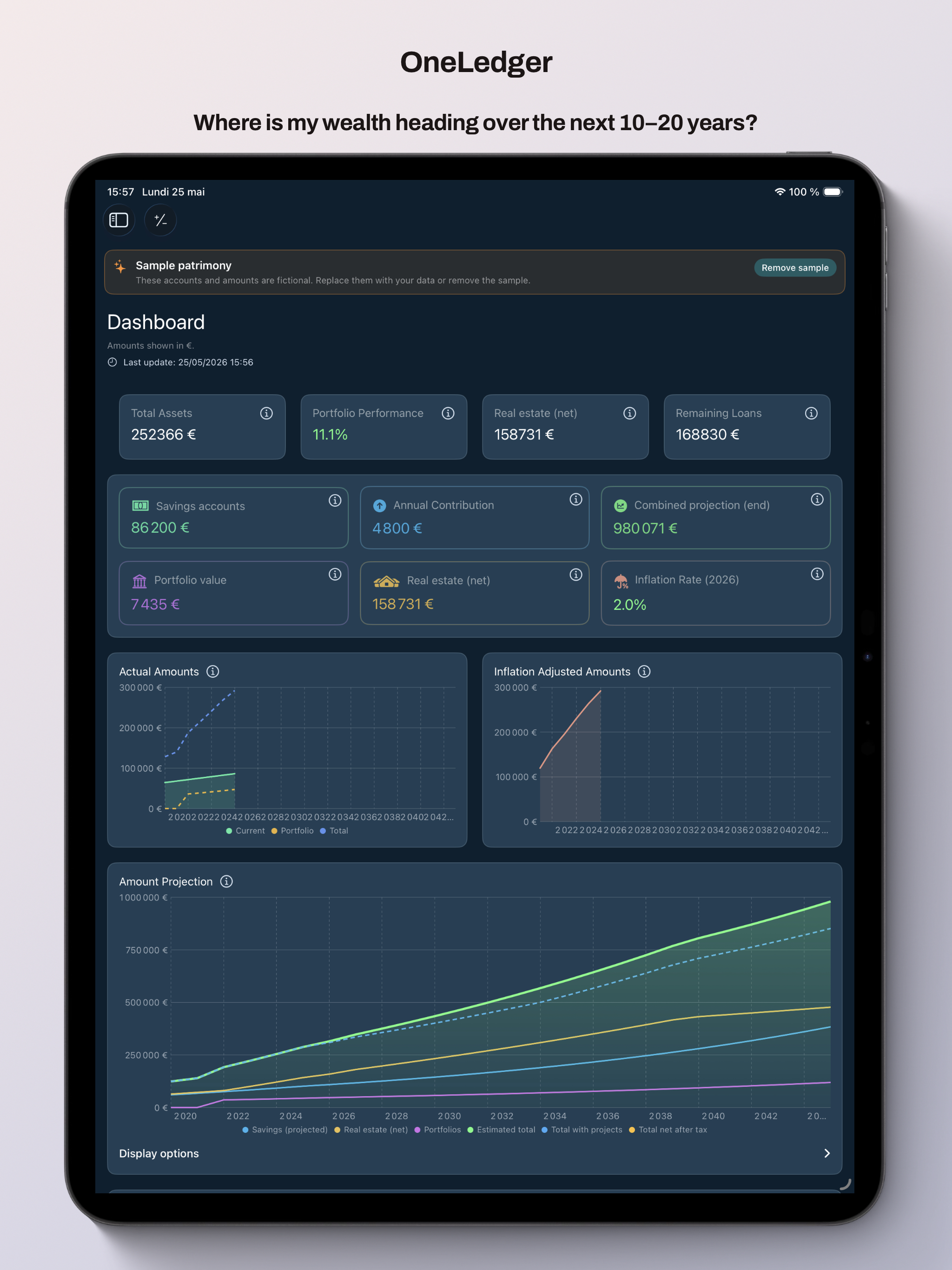
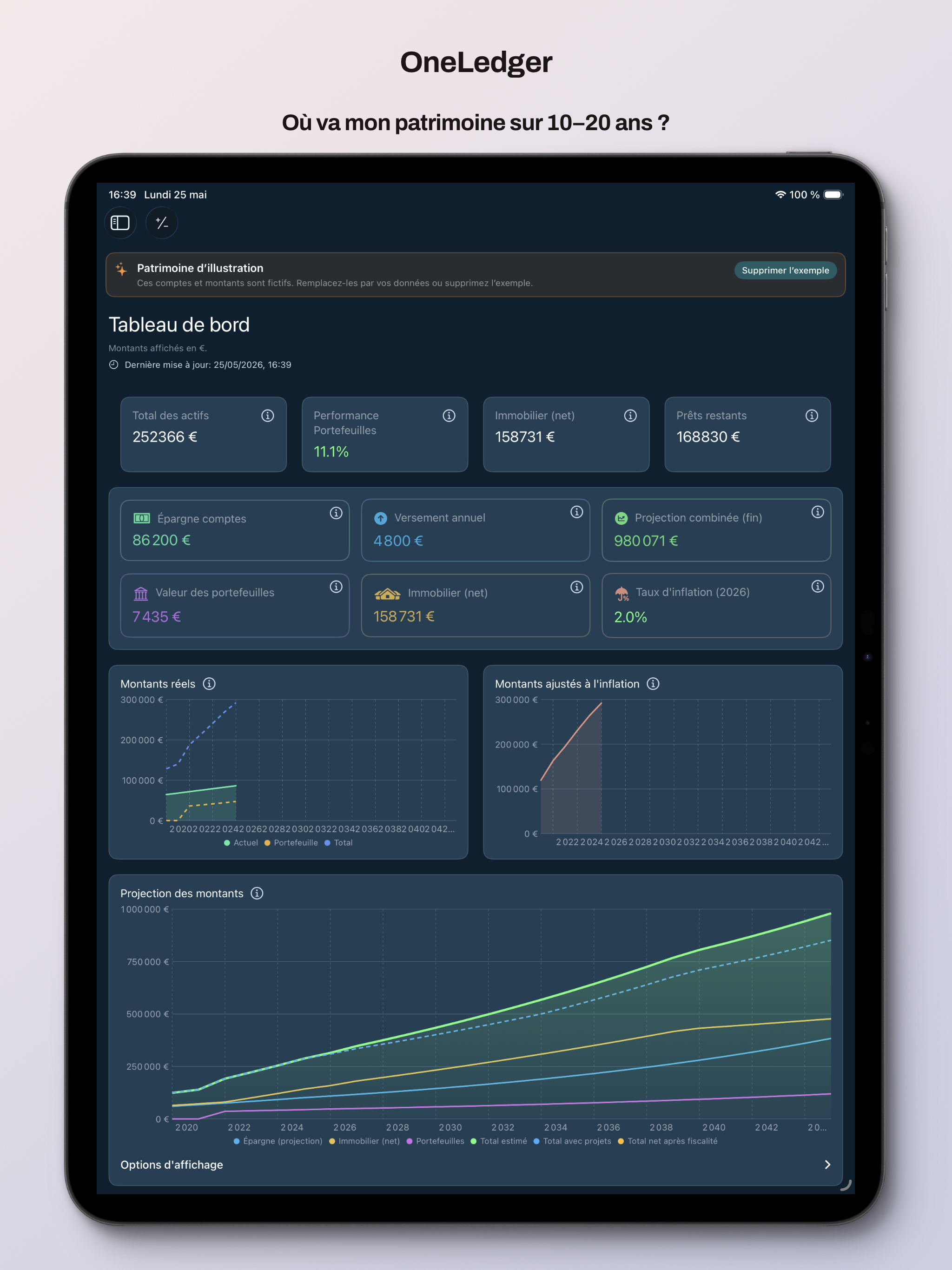
Dashboard & projection
See where your wealth is heading over 10–20 years.
Compare estimates with actual amounts year by year.
Account for inflation on your capital.
Wealth overview
Allocation across savings, portfolios, and net property.
Cash flow vs loan payments; actual vs projected gaps.
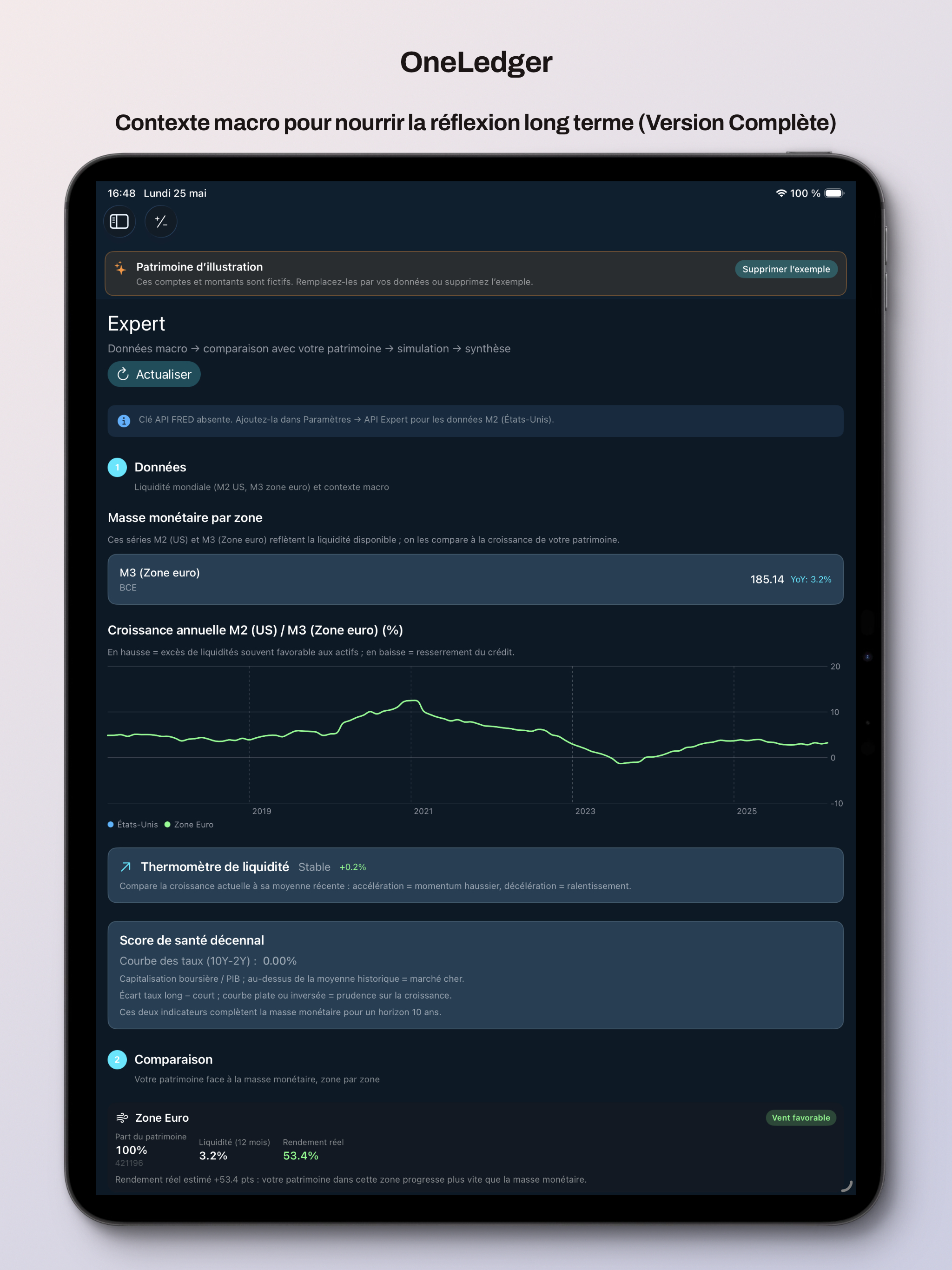
Projects, tax estimates, and simplified stress tests.
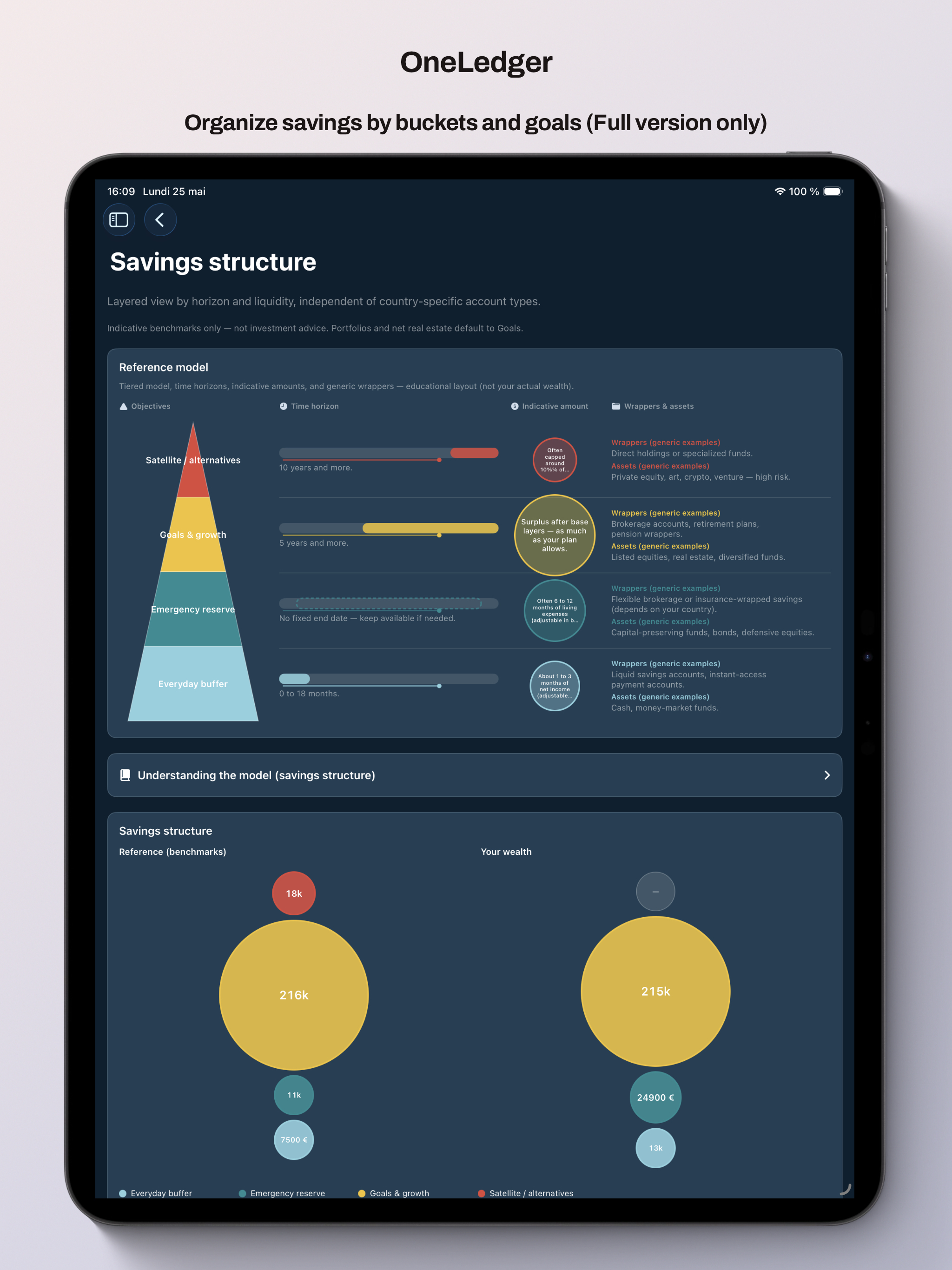
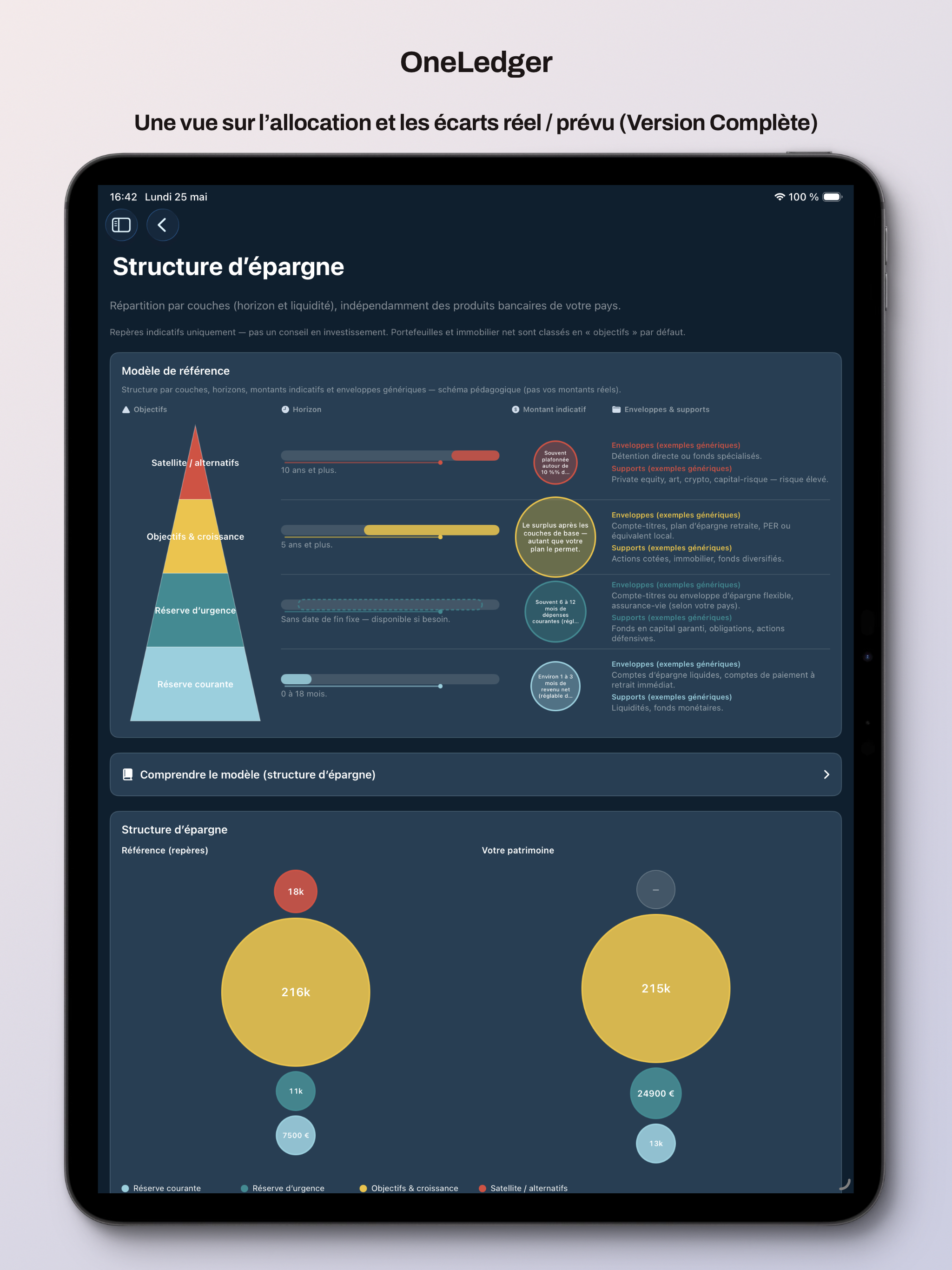
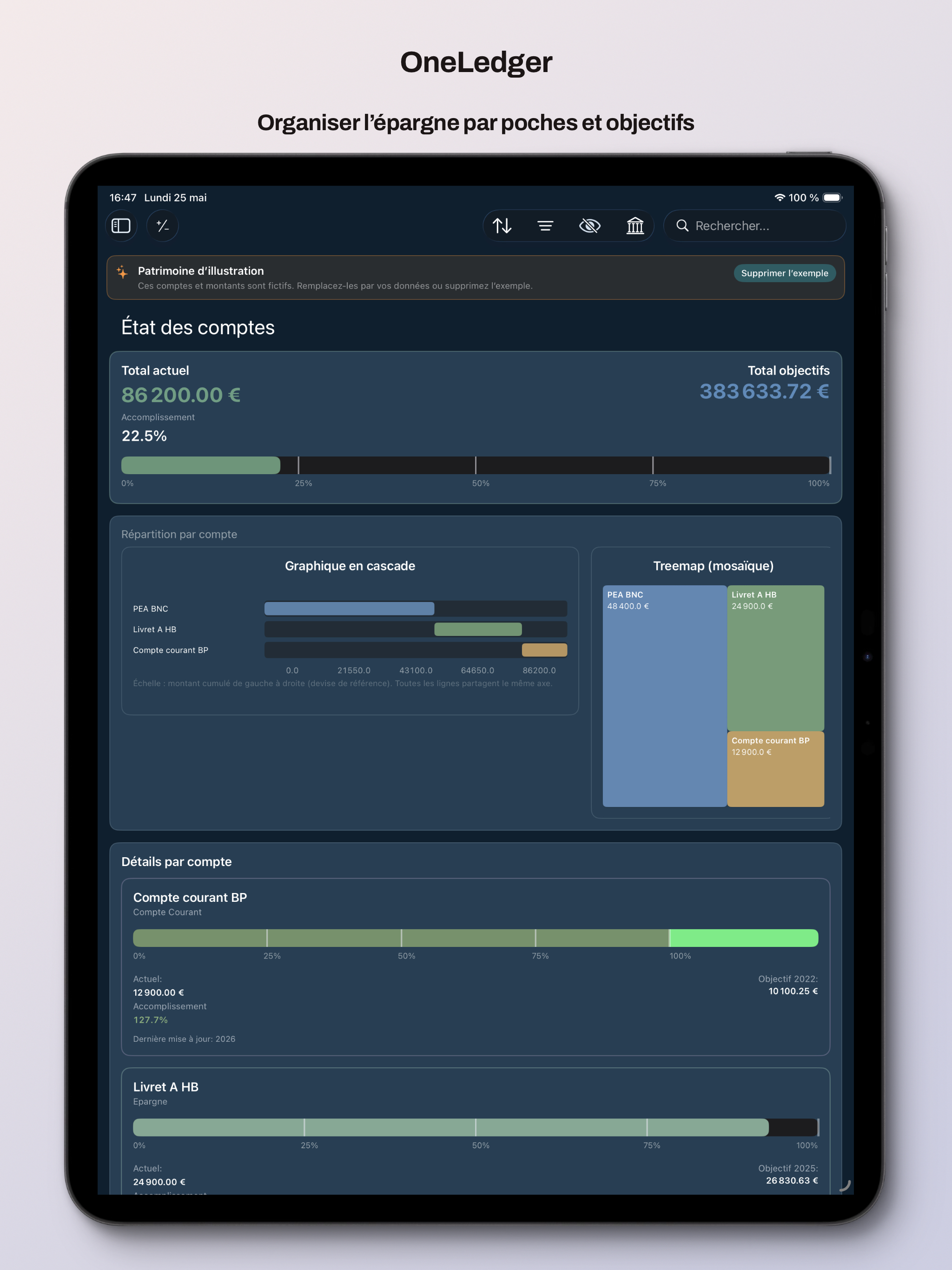
Savings structure
Everyday, emergency, goals, and satellite pockets.
Personal benchmarks and an educational pyramid view.
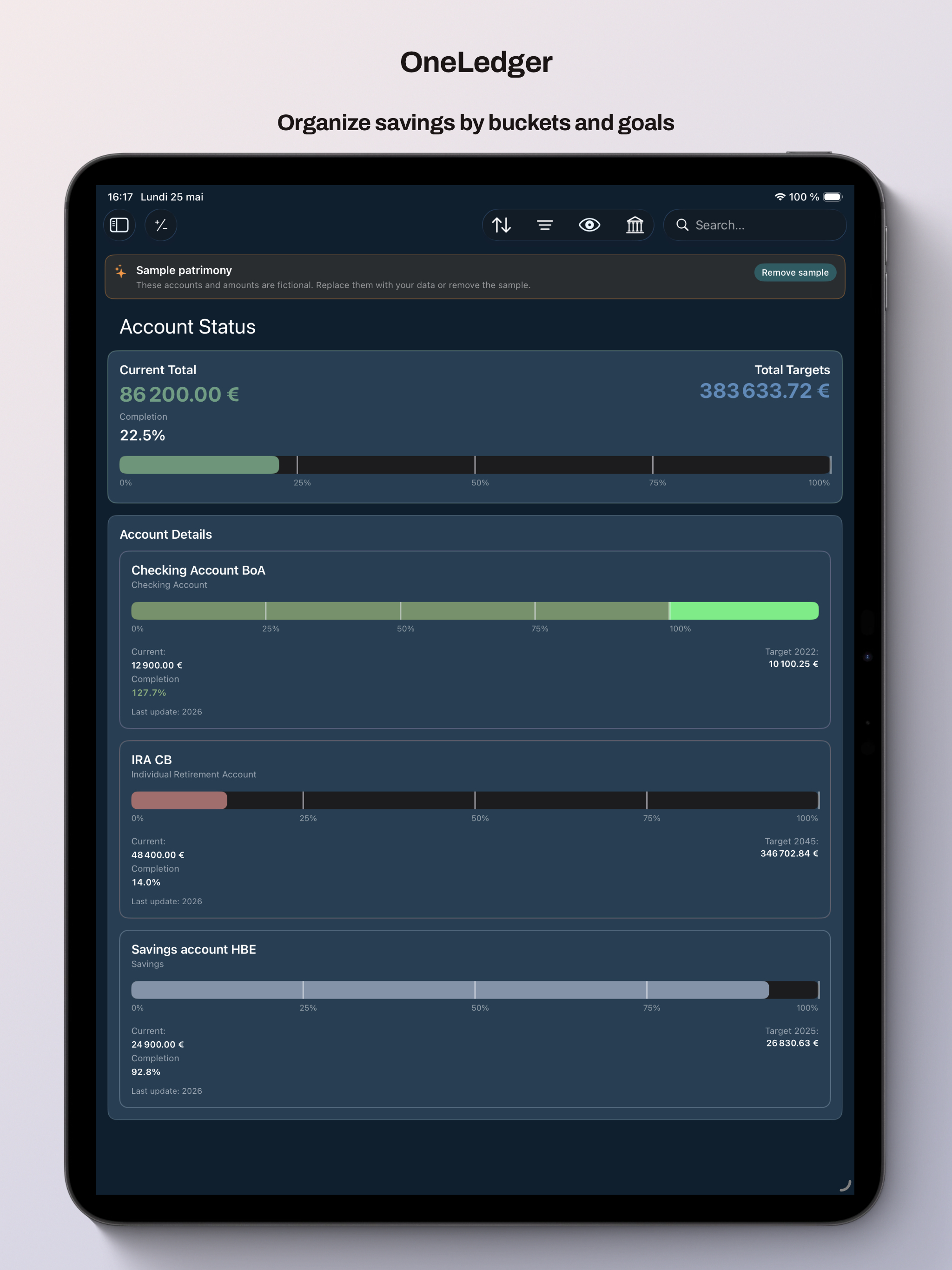
Accounts, portfolios & property
Bank accounts, stock portfolios, real estate, and loans in one place.
Live loan preview: monthly payment, interest, amortization chart.
Portfolio quotes via optional Alpha Vantage API key.